
Update v0.23 — Job Quests, New Mana Recovery & Improved Combat
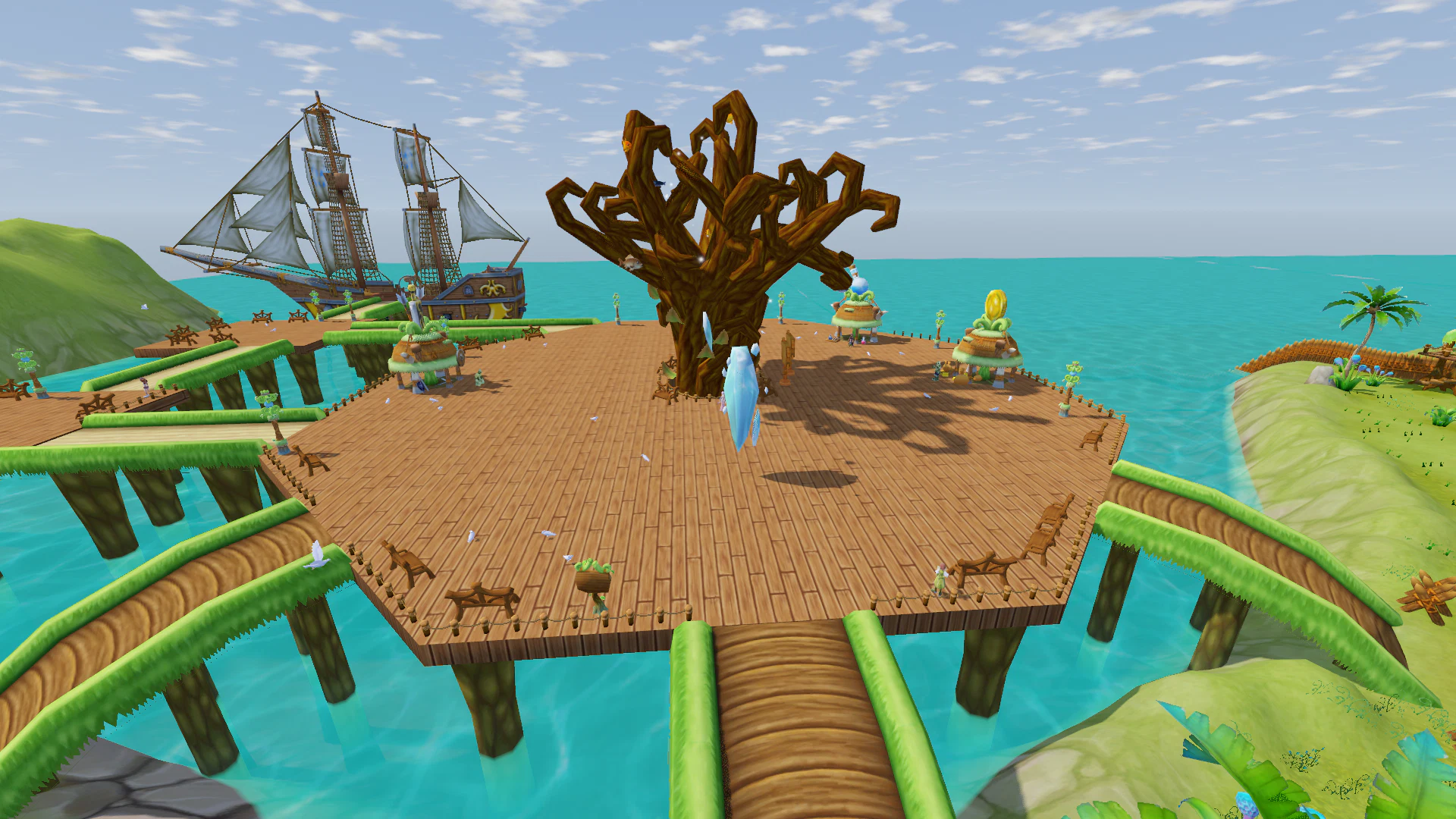
v0.23 significantly changes character progression, Mana Recovery, and Auto Attack behavior, while also fixing several long-standing issues with Loot, Maps, World Loading, and Monster Pathing.
Main highlights:
- 2nd Job and 3rd Job are now unlocked through proper Quest Chains from class mentors;
- Soul Points are now gained only for Jobs that have actually been unlocked;
- Mana Recovery rules have been completely rebalanced;
- Auto Attack and Skill Usage are now much more reliable in crowded situations;
- Auto Attack now automatically chases PvP Targets;
- Loot no longer disappears when Overweight or when the Inventory is full;
- World Maps now show Quest NPCs even in other Locations;
- the Dressing Room for Outfit Dyes and Collections has received improved Camera Controls;
- Fishing Line and Float visuals have been further improved;
- the Walking Machine in Silaris now has synchronized movement, a new route, Sounds, and visual effects;
- freezes during Login and when other Players appear nearby have been reduced.
Professions — New Unlock System
The second and third Jobs are no longer unlocked automatically simply by reaching the required Level. You must now complete the corresponding Quest from your class mentor.
2nd Job
Starting at Level 30 you must accept [2nd Job] from the mentor of your class branch in Silaris:
- Warriors — mentor Joel;
- Archers — mentor Kurian;
- Mages — mentor Chmella.
Completing the Quest unlocks your 2nd Job.
3rd Job
The third Job works the same way. Starting at Level 50 you must complete the [3rd Job] Quest Chain from the corresponding mentor.
Jobs must be unlocked in order: 1st Job → 2nd Job → 3rd Job. You cannot unlock the 3rd Job without completing the 2nd Job first.
2nd & 3rd Job Skills
Skills belonging to a Job can only be learned after completing its Job Quest.
If the Job has not been unlocked yet, the Skills Window will tell you: Complete the Nth Job quest from your mentor first.
Previously, reaching the required Character Level automatically gave access to these Skills. Skill Progression is now directly tied to actually completing the corresponding Job Quest.
Soul Points Now Depend on Unlocked Jobs
Soul Points are now accumulated only for Jobs that the character has actually unlocked:
- 1st Job unlocks Green Soul Points;
- 2nd Job also unlocks Blue Soul Points;
- 3rd Job also unlocks Red Soul Points.
Previously, characters could accumulate all three colors even when they had no way to use them yet.
Soul Guard Skill
The Soul Guard Skill belonging to a Job is now granted when its Job Quest is completed.
Important for Characters Level 30+
If your Character is already Level 30 or higher but the 2nd Job Quest has not been completed, then after the update:
- the Blue Soul Guard Skill will temporarily be removed;
- Blue Soul Points will stop accumulating.
After completing the 2nd Job Quest:
- the Soul Guard Skill becomes available again;
- Blue Soul Points begin accumulating again.
Already obtained Skills and Titles will not be removed. However, further 2nd Job Skills can only be learned after completing the Job Quest.
Mana Recovery — New Balance
Natural Mana Recovery has been reworked.
Mana Recovery Outside Combat
Outside Combat, Mana now regenerates from 0% to 100% in 10 minutes for all Classes equally. Previously, full recovery took approximately 3 minutes.
Mana No Longer Regenerates in Combat
Natural Mana Recovery is now completely disabled during Combat. To restore Mana while fighting, you need to use:
- Mana Potions;
- Premium Recovery Items.
Mana Recovery from Equipment
The Equipment Property Mana Recovery continues to work only outside Combat.
Mana Recovery While Sitting
Sitting follows the same Mana Recovery rules. Sitting no longer bypasses the new Combat / Out-of-Combat restrictions.
Auto Attack in Crowds
Fixed an issue where Auto Attacks could visually play without actually dealing Damage. This happened especially often:
- in Dungeons;
- during Army Battle;
- inside large groups of Monsters or Players.
If the Character was slightly pushed by nearby units, an Attack could previously be canceled. A small positional push now does not interrupt the Attack. The same fix also applies to Skill Usage.
Approaching a Monster
Auto Attack movement toward a Target has been improved. Previously, if the Character ran into another Monster on the way to the selected Target, they could:
- stop moving;
- fail to reach the Target;
- never begin attacking.
Now, if the selected Target is already within Attack Range, the Character starts attacking even if another Monster prevents further movement.
PvP Attack Movement
In Army Battle, Ranked Arena and Duel, the Attack Key now works against Player Targets the same way it works against Monsters.
If the selected Enemy Player is too far away, the Character automatically moves toward them and begins attacking once within range.
PvP Target Chase
Auto Attack now continues chasing Enemy Players. If the Target moves out of range:
- the Character follows;
- once the Target returns to Attack Range, Auto Attack resumes automatically.
You no longer need to press the Attack Key again every time the opponent moves away.
Game Startup
The apparent freeze on the Login Screen has been fixed. Previously, after Login, the game could remain on the Login Screen while the World was loading in the background, which could make the Client appear frozen.
Now, until loading is complete, the game displays a Loading Screen with a Progress Bar.
Character Selection Loading
After logging into your Account, Characters now appear on the selection screen much faster. Previously, there could be a noticeable pause of 0.5 seconds or longer.
Other Players No Longer Cause Short Freezes
When another Player enters the World nearby, the Client should no longer briefly freeze. Previously, loading another Character could cause a pause of around 0.5 seconds.
World Map & Quests
Quest information on maps of other Locations has been expanded further. Any Location map opened through All Maps now shows Quest NPC Icons in addition to Quest Zones.
Quest Icons
The map now displays:
- Yellow Icon — an NPC from whom you can accept a Quest;
- Red Icon — an NPC you need to speak with or return a Quest to.
Previously, maps of other Locations showed only Hunting Zones. You can now locate the required NPC before entering that World.
Quest Count on World Cards
The number of Quests shown on a World Card in All Maps now matches the actual Quest Markers shown on that map. A Quest is counted in the World where its current objective is located:
- Available Quest — where the NPC offering the Quest is located;
- Turn-in Quest — where the NPC waiting for completion is located;
- Active Quest — where the required Monsters or Objectives are located.
Previously, a World Card could indicate that a Quest existed there while the map itself showed nothing until you entered the Location.
Map Legend
Maps of other Locations now also display the Icon Legend below the map, just like the current World map.
Volume — True 0%
Volume Sliders have been fixed. Now 0% completely disables the sound. This applies to:
- Music;
- Sound Effects;
- Environment;
- UI Sounds.
Previously, sounds could remain faintly audible even at 0%, especially when using Headphones.
Master Volume
If Master Volume is set to 0%, sound no longer turns itself back on when returning to the game window.
Dressing Room — Improved Camera Controls
The Preview in Outfit Dyes and Collections has received additional Camera Controls.
Zoom Out
The Character can now be zoomed out farther than the standard framing. Use the Mouse Wheel backward to fully fit:
- Wings;
- Cape;
- Weapon.
Maximum zoom-in remains ×5.
Vertical Movement
The Character can now be moved vertically immediately: simply hold Left Mouse Button and drag up or down. Previously, Vertical Movement only worked after using Zoom first.
More Camera Freedom While Zoomed
The closer the Camera is, the larger the available Vertical Movement range becomes. You can move the view from the top of the head down to the feet.
Reset View
Double Click the Character to restore Default View.
Camera Buttons
New Buttons have been added to the corner of the Dressing Room:
- Zoom In;
- Zoom Out;
- Move Up;
- Move Down;
- Reset View.
The first four continue working while held. These Buttons are available in all UI Themes.
Preview Reset
Every time the Outfit Dyes Window is opened, the Character starts again in Default View. Camera Position is no longer preserved between sessions.
Localization
The Dressing Room Tooltip and the new Button Tooltips have been translated into all supported game languages.
Aquaton — Nunu Is Now an Equipment Merchant
NPC Nunu in Aquaton now sells Equipment. His stock matches Suren in Alpia.
Nunu can also now Repair Equipment.
His overhead label has changed from [Merchant] to [Equipment Merchant].
Loot No Longer Disappears When Overweight
A serious Loot pickup issue has been fixed. Previously, if the Character was at 100% Weight and attempted to pick up an Item:
- the Item disappeared;
- it never reached the Inventory.
Now the Loot remains on the ground and can be picked up later after freeing some Weight.
Loot with a Full Inventory
The same logic now applies when the Inventory is full. If there is no free Slot for the Item, the Loot remains on the ground instead of being lost.
Clear Notifications
If the Character cannot pick up an Item, the game now explains why. For example:
- Overweight: N / M — item remains on the ground;
- Inventory full — item remains on the ground.
Partial Stack Pickup
If a Stack is on the ground but the Character can only carry part of it due to Weight:
- the maximum possible amount is picked up;
- the remainder stays on the ground.
You no longer need enough capacity for the entire Stack.
Dekron Laboratory — Monster Pathing
Monster behavior in Dekron Laboratory has been improved further. Previously, a Monster could stand near the Character while blocked by a Tree, a Rock or another Object and simply run in place.
The Monster now moves around the obstacle and continues attacking.
Character Standing Near an Obstacle
If the Character stands directly next to:
- a Tree Trunk;
- a Root;
- a Low Rock;
Melee Monsters now try to approach and attack properly. They should no longer:
- stand nearby doing nothing;
- return home;
- restore full HP.
High Obstacles
If the Character stands on a genuinely high ledge and is physically unreachable by Melee attacks, the Monster still returns home. This behavior remains unchanged.
Quest — Materials for Bait
The Quest Materials for Bait from Arshes in Alpia is now available starting at Level 29 instead of Level 11.
The reason is that the Quest sends players to Dirty Toadstools in Rain River, which are Level 29.
The Reward is now also granted in full at Character Level 29.
If you already accepted this Quest earlier, it remains in your Quest Journal and can be completed normally.
Fishing Line & Float — Further Improvements
Fishing visuals have received another round of improvements.
Thinner Fishing Line
The Fishing Line is now:
- thinner;
- gray.
It no longer looks like a thick white stripe, especially when the Camera is close to the Character.
Fishing Line Follows the Rod Tip
The Line is now correctly attached to the very tip of the Fishing Rod. During Cast it no longer lags behind the Rod movement.
Proper Cast Animation
Before the Cast, the Float now:
- hangs below the Rod Tip;
- moves naturally with the Rod.
When the Character casts, the Float flies toward the water in an arc instead of instantly appearing on the surface.
Smooth Float Movement
When changing Fishing phases, the Float now moves smoothly to its new position instead of jumping instantly.
Line After a Catch
After a successful Catch, the Fishing Line remains visible only while the Fish travels from the water into the Character's hand. It no longer remains stretched like a rigid line between the Rod and the Fish afterward.
Float Size
The Float is now smaller and looks more natural relative to the Fishing Rod and Character.
Walking Machine of Silaris
The Walking Machine in Silaris has received a major technical and visual overhaul.
The Machine No Longer Falls Apart
The Energy Module and Wrist Rings now correctly remain attached to the Machine during:
- Walking;
- Working Animations.
Previously, individual pieces could visually detach from the model.
Energy Module Position
At each of the three Platforms, the Machine now places the Energy Module directly into the Receiver.
New Route
Between Platforms, the Machine now travels:
- along Roads;
- across the Bridge;
instead of moving directly through Fields and across the River.
Server-Synchronized Route
All Players now see the Machine in exactly the same location. Its route is synchronized using Server Time. Previously, different Players could see the Machine in different positions.
The Machine Works at Long Distance
The Walking Machine no longer freezes when viewed from far away. It continues Walking and Working even when it is far from the Camera.
Improved Walking Animation
Movement is now smoother. Fixed:
- Sliding Feet;
- jerky Animation transitions.
New Sounds
Added:
- Footstep Sounds;
- mechanical Leg Drive Sounds.
Camera Shake
When a Character is standing close to the Walking Machine, the screen slightly shakes with every step. This helps emphasize the Machine's size and weight.
Sitting Character — Clothing Fix
Clothing deformation while sitting has been fixed. Previously, when the Character sat down:
- Pants around the thighs could flatten into a thin sheet;
- Costume hems could become distorted;
- visible gaps could appear underneath the Clothing.
Clothing now maintains its proper volume in the Sitting Pose. Appearance while Idle, Walking and Running remains unchanged.
v0.23 primarily makes character progression more consistent: new Job Stages must now actually be unlocked through mentors, while Soul Points and Skills are tied to the Professions the character has truly opened.
At the same time, the reworked Mana Recovery makes resource management more important in Combat, while the improved Auto Attack system is significantly more reliable in both PvE and PvP. Fixes to Loot, Maps, Loading, and Monster Pathing also remove several particularly frustrating situations.
The Walking Machine in Silaris has also received one of the largest visual upgrades among World Objects so far — its movement is now synchronized between Players, its route looks more natural, and every heavy step is accompanied by Sound and Camera Shake.