
9/27/2026
Fixes and Improvements v0.3
Warriors move close to the target, Old Movement mode, item cooldowns shown on slots, quick buttons below the bag, resizable chat and font, key combinations.
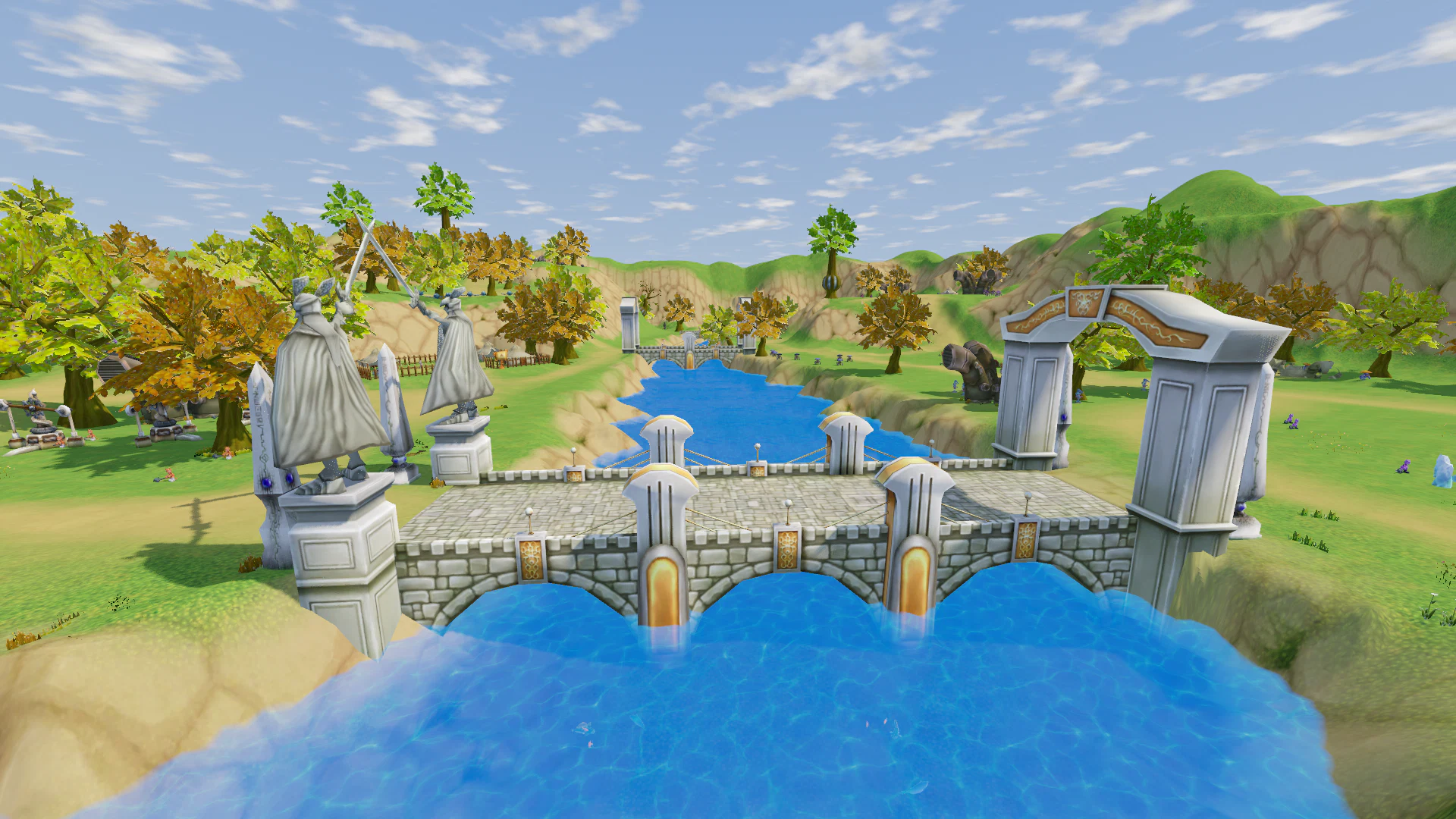
A new set of fixes and improvements has been completed based on your bug reports and feedback.
Combat and Movement
- Fixed melee attack range:
- warriors now correctly move close to the target;
- attack distance is calculated from the edge of the target model, as in the original game;
- the same logic now applies to combat skills.
- Fixed mount behavior when taking damage: characters are now correctly dismounted after receiving damage.
- Added Old Movement mode in the control settings:
- LMB — move to the selected point;
- holding LMB no longer triggers additional actions;
- RMB rotates the camera only;
- WASD moves the character relative to the camera direction.
- Fixed movement clicks through visual objects: tree crowns, roofs, canopies.
- Flowers no longer block character movement.
- Fixed the selection area of the Summoning Board: it can now only be selected by clicking directly on the board itself.
Items and Cooldowns
- Added correct cooldown values for consumable items:
- health potions — 5 seconds;
- mana potions and fish — 20 seconds;
- elixirs — 30 seconds.
- Items from the same group now use a shared cooldown.
- Added visual cooldown display:
- a dark overlay and remaining time are shown directly on the slot;
- works in the inventory and on the skill bar;
- supported for potions, mounts, and scrolls.
- Added server-side cooldown validation for items.
- Added correct cooldowns for potions, the Return Scroll (6 seconds) and the Resurrection Scroll (60 seconds).
- Items can no longer be used again before their cooldown has finished.
Inventory and Shops
- Added five quick-access buttons below the inventory window, as in the original game: pets, fishing books, my shop, dismantling, crafting.
- Removed the unnecessary selected-item information line below the inventory.
- Added an icon for My Shop in the Additional menu.
- Reworked the gem shop:
- removed quantity selection when purchasing;
- added separate tabs by stat: Strength, Dexterity, Stamina, Spirit, Intelligence, Luck.
Chat and Interface
- The mouse wheel over the chat window now scrolls chat messages instead of rotating the camera.
- Added the ability to resize the chat window using the corner in the top-right.
- Added chat font size settings: A− / A+ buttons and a slider, size range from 10 to 24.
- Fixed effect volume settings: the setting now also affects sounds produced by other players.
- Removed the unnecessary setting for displaying your own character name.
- Restricted F3 usage: this function is now available only to administrators.
Hotkeys
- Added support for key combinations: Shift + key, Ctrl + key, Alt + key.
- Key combinations are now displayed correctly on the skill bar in shortened form.
- Fixed assigning an already occupied key:
- the previous binding is now removed;
- actions no longer swap places;
- the skill bar no longer rearranges itself.
Menu, Party, and Characters
- Fixed Change Character in the Esc menu: it now returns directly to the character selection screen; logging into the account again is no longer required.
- Fixed simultaneous party invitations: if two players invite each other at the same time, the extra invitation window now closes automatically after one invitation is accepted.
Text and Graphics
- Updated NPC dialogue and quest translations:
- English text now matches the original English AREA client;
- the Russian version is displayed when Russian is selected.
- Fixed the white ground texture issue under the shovel.
- Fixed several additional textures affected by the same filename case issue.
Thank you to everyone who continues to submit bug reports and suggestions. A large part of these changes was made directly based on your feedback.